What to do with recipe screenshots in your camera roll
A screenshot is the fastest way to save a recipe and the worst place to keep one. Why the camera roll loses them, and the five minutes that fixes it.
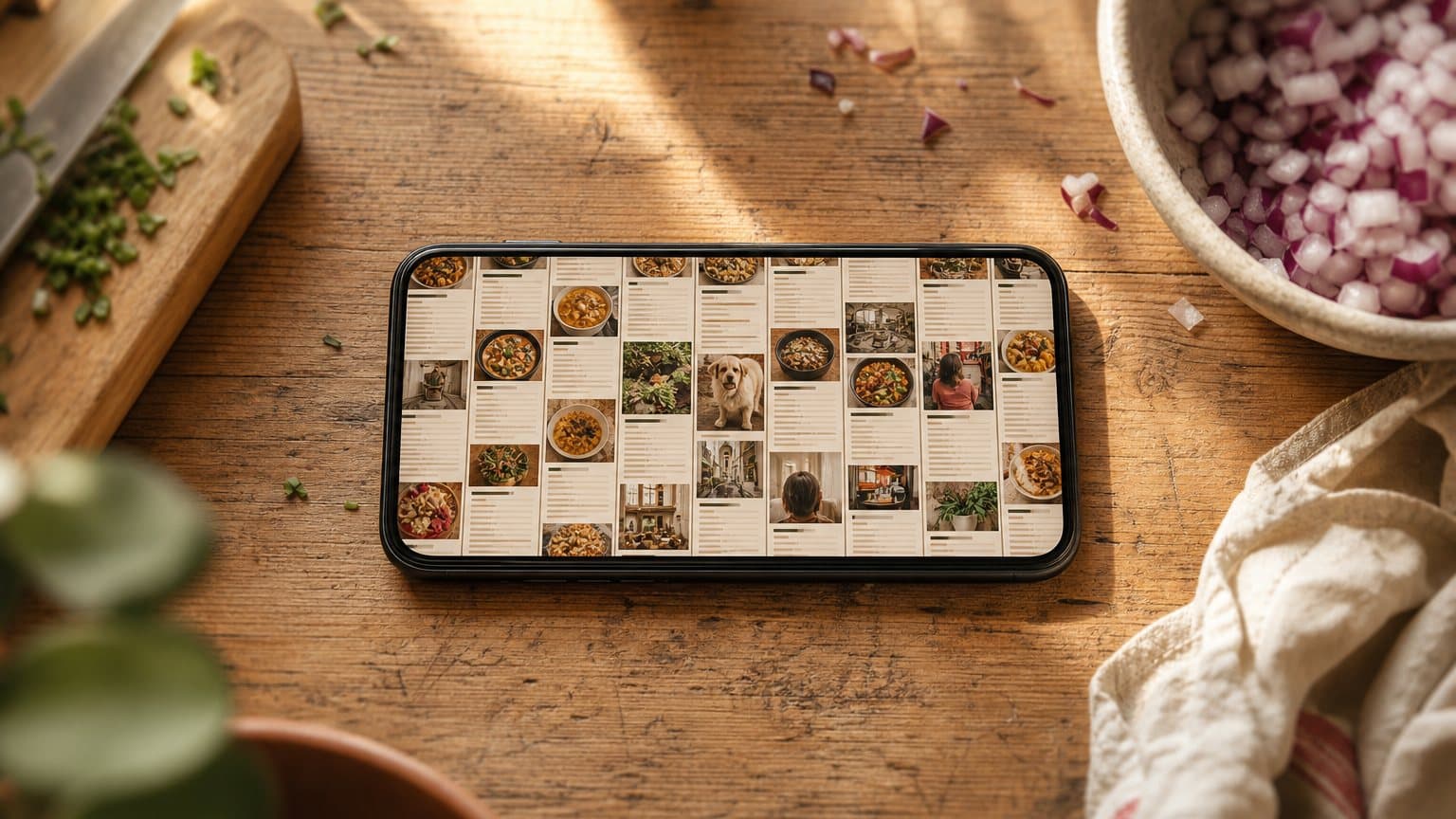
Keep taking the screenshots. Stop leaving them there.
A screenshot is the fastest save that exists: one gesture, any app, no account, no page load, and it keeps working when the post comes down. Nothing else gets you all of that in two seconds. The problem is never the capture. It is that the picture then lands in a stream sorted by the single fact about a recipe you will never need again, which is the afternoon you happened to be scrolling.
So keep the shutter and change the destination. Once a week, open the screenshots album and give each recipe in it one of three endings: pull the text out and put it where your recipes live, hand the picture to something that reads it as a recipe, or delete it, because you were never going to cook it.
That is the whole method. The rest of this is why those five minutes are worth more than any amount of tidying, and what specifically goes missing while you wait.
The instinct is right
Screenshotting is not a bad habit anyone should feel sheepish about. It wins on four counts, and no other two-second action wins on all four.
It works everywhere
An Instagram caption, a message from your aunt, a paywalled newspaper, a PDF, a video paused on the ingredient list. No share sheet covers that set.
It costs one gesture
Two buttons. No account, no waiting for a page to load, no deciding which folder. That is precisely why it beats the app's own save button.
It works offline
On the underground, in the shop, on a plane. The copy is already on your phone and does not need to be fetched again.
It survives deletion
The account goes private, the post comes down, the blog moves house. Your picture does not care, which is more than a bookmark can say. That failure has its own post.
Capture and filing are two different jobs, and people who screenshot recipes have solved the first one completely. It is the second one that never happened.
What a recipe screenshot leaves out
Here is the failure almost nobody sees coming, because it happens silently at the moment of capture.
The shutter takes what is on the display. A recipe page is not on the display. A decent roast chicken recipe runs to about four screens on a phone, and the screen you photograph is nearly always the ingredient list, because that is the part that looks most like a recipe. The method, the tin size, the yield, the note explaining that the miso is already salty, all of that was below the fold when you pressed the buttons.
One recipe page, and the screen a screenshot kept
Title and photographscrolled past
Miso butter roast chicken. One hour twenty, serves four.
Ingredients, top of the listwhat the shutter caught
Chicken, miso, butter, a lemon, garlic, thyme, olive oil, salt.
Ingredients, the restbelow the fold
The four lines under the scroll: stock for the gravy, honey, rice vinegar, and how much of that butter is for under the skin rather than the pan.
Methodbelow the fold
Nine steps, including the two the dish actually turns on.
Notesbelow the fold
Tin size, what to do with the wings, and the line telling you to go easy on the salt because the miso has already done it.
You do not find this out on the day. You find it out three weeks later, at half past six, with the chicken already bought.
The fix is cheap, and it has to happen at the shutter: take the second screenshot. If the ingredients ran past the fold that is two pictures, and if there is a method it is three. A recipe worth two seconds is worth six.
Your photo library is excellent at the wrong question
Photo search has become genuinely impressive. It will find a dog, a beach, a receipt, a whiteboard, indexing on when the picture was taken, where you were standing, and what is in it. None of those is a question you ask about dinner.
What a photo library can find
"Pictures of a dog." "Photos from Lisbon." "Screenshots from March." Impressive, well built, and not once in its life the thing you needed at seven o'clock on a Tuesday.
What you actually go looking for
"The one with chicken thighs and yoghurt." "Something in forty minutes with nothing bought." "That almond cake, from a video, some time in the spring." Constraints and half-memories, not captions.
Underneath that sits a second problem: a screenshot has no boundary around it. It shares a stream with the parking bay number, the train ticket, and three hundred photographs of a child. Even the screenshots album is also every delivery confirmation you ever saved, so the recipes are in there at a density of maybe one in forty.
That leaves scrolling as the only retrieval method, and scrolling a photo grid is a recognition task: you are hoping to spot a familiar rectangle of small text. Two hundred pictures in, you order something instead. It is the same fault line as a library filed by what a recipe is rather than by what an evening is, only worse, because a photo grid does not even carry the titles.
"Just use Live Text" gets you halfway
Both phone platforms now read text out of a picture. Press and hold on the text in an iPhone screenshot and you can select and copy it; Google Lens does the same on Android. Free, fast, and a real improvement on pixels.
It also stops well short of a recipe. What comes back is a block of undifferentiated text: quantities not separated from ingredient names, no numbered steps, the layout flattened. A two-column ingredient list arrives interleaved, so flour and butter alternate with their amounts in a way you unpick by hand. Fractions are the reliably annoying part, since ½ comes through as ½, as 1/2, or as something that is not a number at all, depending on the font the site chose.
More to the point, it does not touch the filing problem. You have moved a wall of text from the photo app to the notes app. That is more searchable, which is a genuine gain, and it still cannot tell you what you can cook tonight.
What to do with the ones you already have
Assume several hundred. This is a one-sitting job, not a project, and it goes faster than it looks.
Work oldest first. Those are the easiest decisions and the most urgent, because their sources are the likeliest to be gone. For each picture, ask one question: can you tell what the dish is from the picture alone? If not, it goes. You are not deleting a recipe, you are deleting a photograph of one you could not identify.
For the survivors, get the text out, put it where your recipes live, and check the crop before you close it. Does the thing you just saved have both quantities and a method? If it has half, go back to the source now, while there still is one. That check takes five seconds and is the whole difference between a recipe and a souvenir.
Then delete the picture, unless it is genuinely visual: a handwritten card, a book page with a note in the margin. Those keep the image attached to the recipe, the same way a card out of a family tin does.
Where Sugo comes in
Everything above works with a notes app and a free afternoon. What software is good at is the tedious half: reading the picture into fields, and then answering questions about the pile.
Send a screenshot to Sugo from the share sheet, or add it from your photos, and it comes back as a recipe rather than an image. Title, ingredients with real quantities and units, numbered steps. From there it behaves like everything else in your cookbooks: it is text in fields, so it can be searched, ranked and asked about.
ask sugo
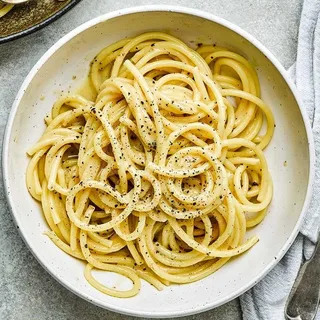
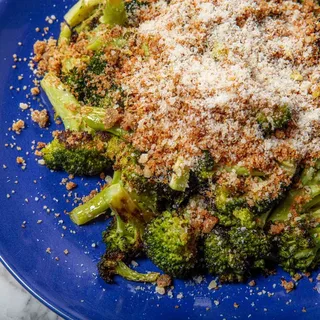
Three things follow from that.
Half a memory is enough. "That chicken thing with the miso, saved off a video some time in spring" is a fair question for Ask Sugo, and it is how people actually remember food. Nobody remembers titles, and nobody has ever remembered a screenshot's date.
The pantry does the pre-filtering. Once a recipe is stored as fields, the pantry can rank it by how much of it you can already cook, which answers the shopping question without you tagging anything.
The picture can stay. Keeping the original image on the recipe costs nothing, and is worth it wherever the photograph is part of the point.
What this does not do well. The important limit is the one the whole post is about: nothing can recover what is not in the picture. A screenshot of the first screen imports as the first screen. The ingredients arrive, the method does not, and you get a recipe with an empty second half and a note saying so. That is not a processing failure, the steps were never photographed, and the answer is still to go back to the source. It is why doing this the same week matters more than doing it well.
Three other cases worth knowing. Scrolling screenshots, where the phone stitches several screens into one tall image, usually work, but they compress the small print and that is often where the oven setting lives. Text burnt over a video frame is the hardest input there is, and white lettering over a bright pan is where extraction gives up. A magazine spread with three recipes on it comes back as one confused recipe, so photograph them one at a time.
The five-minute version
Take the second screenshot
At capture time, not later. If the ingredients ran past the fold, that is two pictures, and if there is a method it is three.
Treat the screenshots album as an inbox
Not an archive. It is a place things pass through weekly, which is the only reason it never grows to four thousand.
Work oldest first
Easiest decisions, and the ones whose source is most likely to have disappeared since.
Check the crop before you close it
Quantities and a method, or it is half a recipe. Go back to the source while the source exists.
Delete the picture, keep the recipe
Unless the image is the point, as with a handwritten card. A photograph of text is not a thing you need twice.
The point of the album
The camera roll is doing exactly what it was built for. It keeps pictures in the order you took them, and it is very good at that. It was never asked to hold documents, and a recipe is a document: ordered, structured, and wanted under pressure months after it was filed.
So screenshot everything. It is the correct reflex and it costs nothing. Just do not let the picture be the last step, because a picture is the receipt for a decision you made once, and dinner needs the thing itself.
Sugo is free on iPhone, iPad and Mac, on Android, and in any browser at app.sugo.kitchen. If your recipe collection is currently three thousand photos deep, download Sugo.
