Pick your recipe's cover from the video it came from
A recipe saved from a reel arrives with the post's thumbnail as its cover. Now you can scrub the original video and choose the frame you want instead.
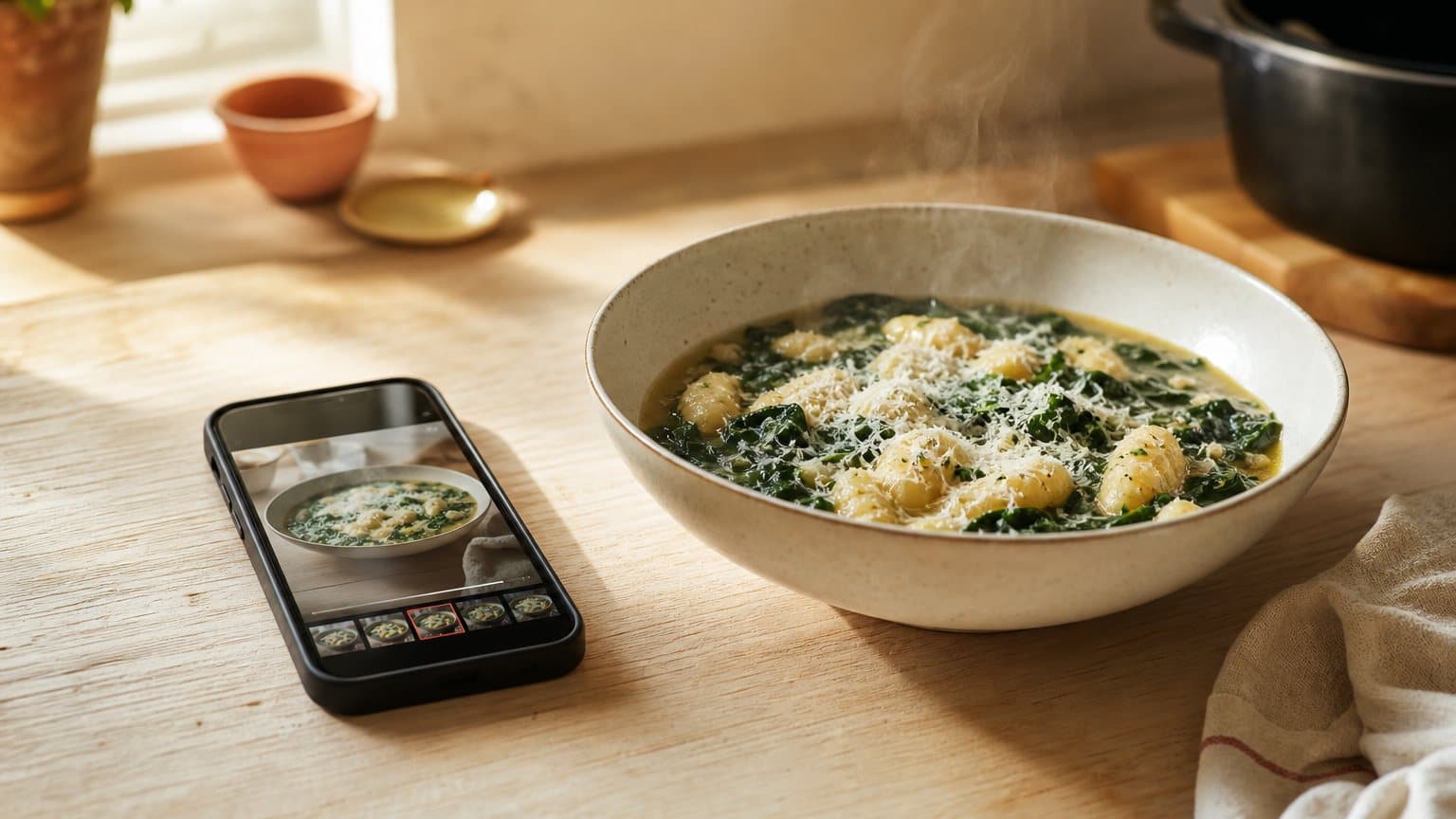
Recipes you save from a cooking video can now take their cover from the video itself. Open the recipe, tap its photo and choose From the post. The original video opens and plays, with a strip of frames from across it along the bottom. Drag along the strip, stop on the moment you want, tap Use this frame, and that frame becomes the cover.
It works for recipes saved from Instagram, TikTok, Facebook and YouTube. It arrives in version 1.0.9 of the app on iPhone, iPad and Android, and it is not in the browser version.
A thumbnail is made for the feed
When you save a reel, Sugo uses the post's own thumbnail as the cover, because that is the picture the post comes with. The trouble is that a thumbnail is chosen to stop a thumb halfway through a scroll. So it is the cook mid-sentence with their mouth open, or a title card that says YOU NEED THIS SOUP in yellow capitals.


Sunday lasagna al forno
A proper Sunday ragu, simmered until it darkens, layered with béchamel and baked until the top sheet blisters and the edges catch on the dish.
Step 1
Warm the olive oil (2 tbsp) in a wide pan and soften the onion (1) with the garlic (3 cloves) until sweet, about 8 minutes. Turn up the heat, add the ground beef (1 lb) and brown it properly.
Coming up next
That is fine in a feed, where a picture only has to win a second of attention. A cover in your library has the opposite job. You scan a grid of saved recipes on a Tuesday evening and the picture has to tell you which one is the soup. Twelve faces mid-word in a row tell you nothing, so you scroll straight past the recipe you would have cooked.
The picture that does that job is almost always in the video already, usually near the end: the finished bowl, or the slice lifted out of the tin. The creator filmed it and then chose a different frame to sell the post.
The cover is somewhere inside the video
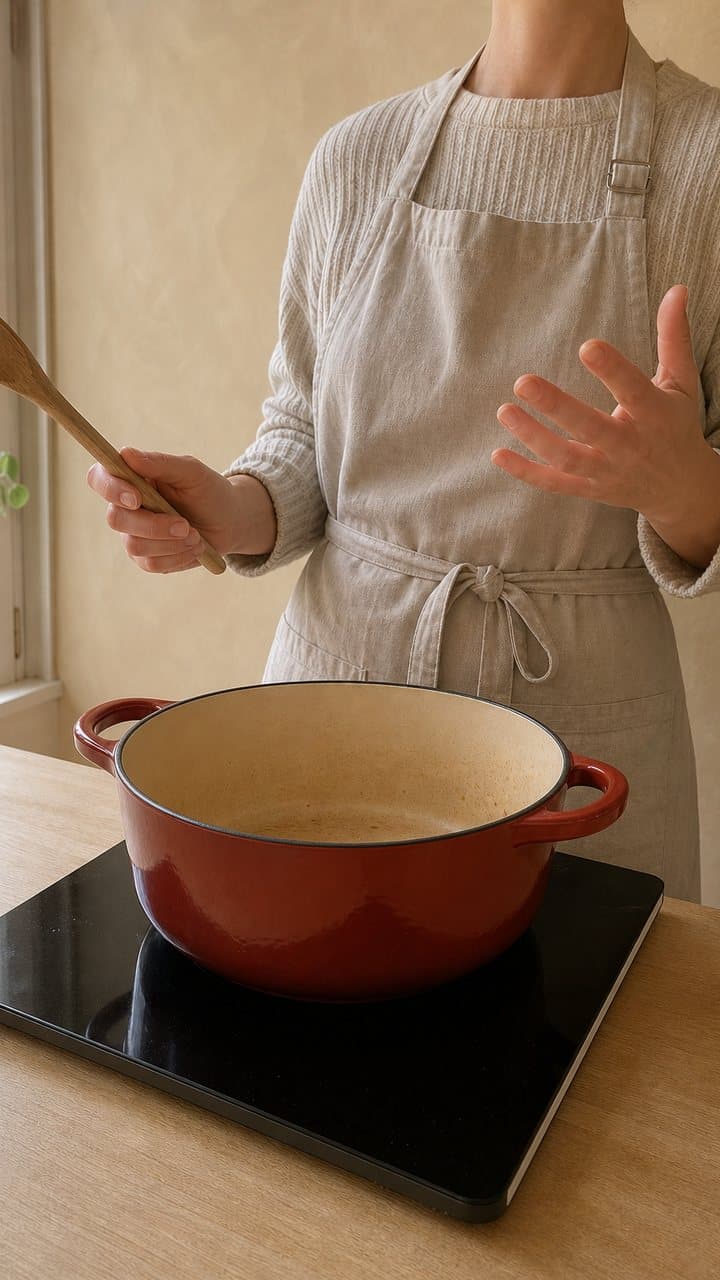
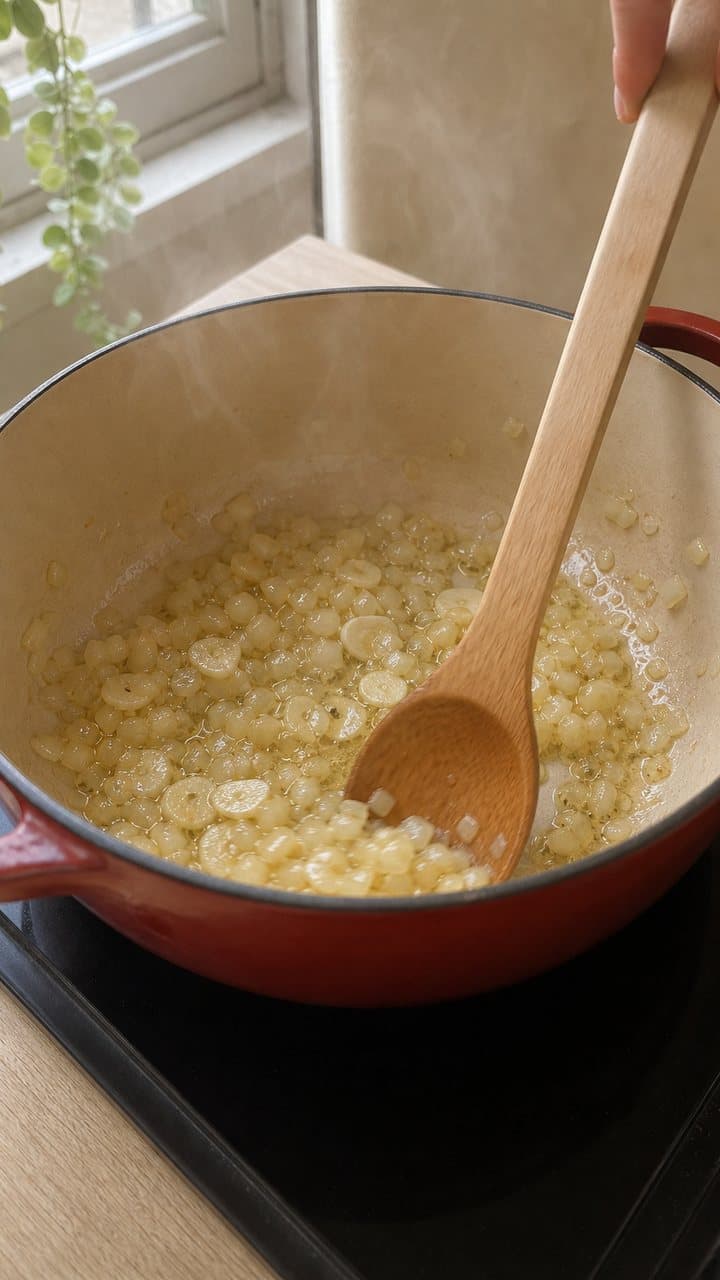
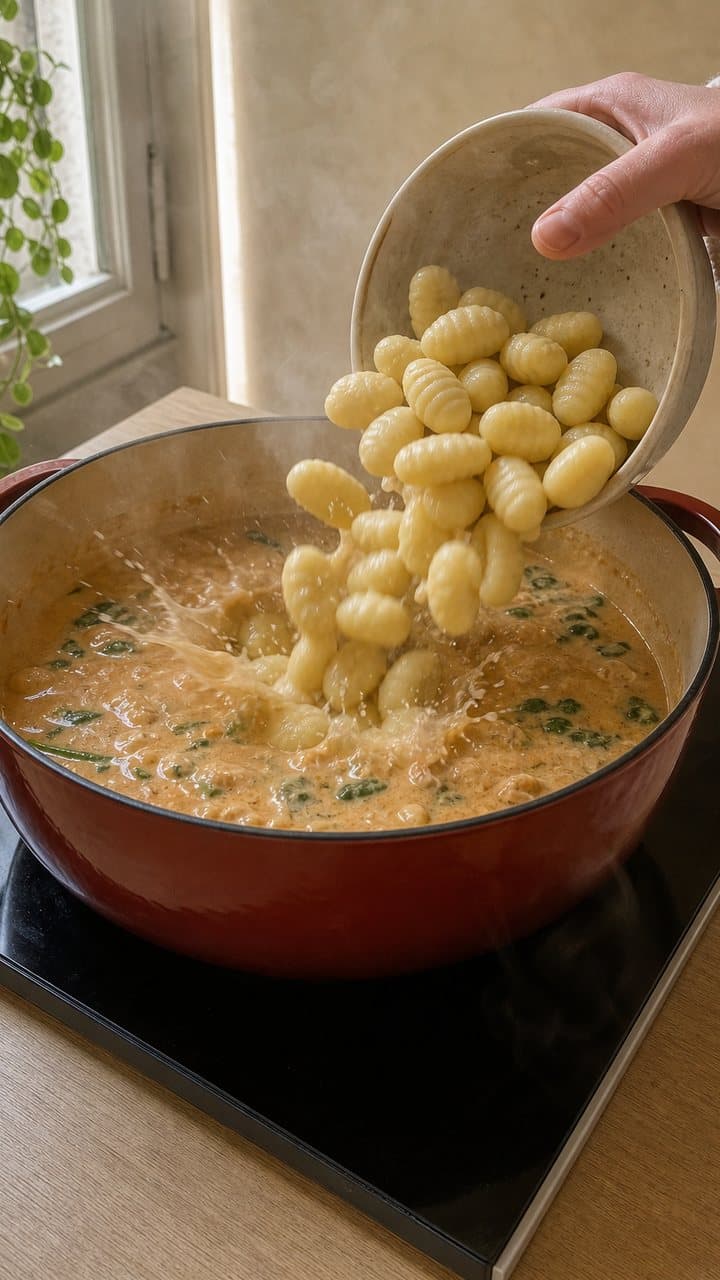
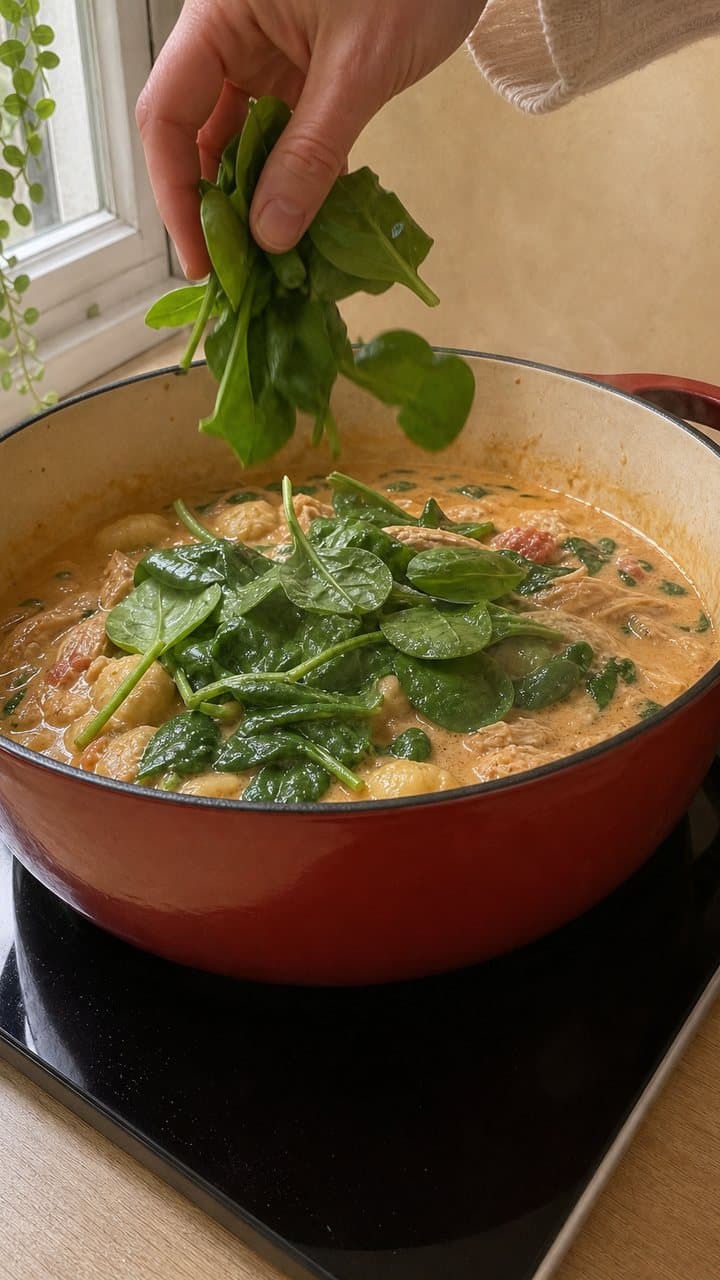
Here is a 58-second soup reel laid out as five of its moments, and a cover being chosen from it. Once it has played, the strip is yours: scrub it and choose a different frame.
One 58-second reel, scrubbed for a cover

Your cover
0:53
The finished bowl, with steam and a snow of parmesan
Tap or drag along the strip, then choose a frame
ThumbnailYour cover
Sugo leaves the choice to you and hands over the whole video, since which moment says "this one" is a matter of taste.
How it works
On a saved recipe, tap the cover photo, or open the menu and choose Edit photo (Change cover photo, on a recipe you made yourself). The sheet that opens offers your photo library and the camera, and a recipe saved from a video post has a third option, From the post.
The video opens muted and starts playing. A strip of eight frames from across it sits under the picture, with a red window on the current moment. Drag along the strip and the picture follows your finger. Tap the picture to pause, or use the button in the corner. When the frame is right, tap Use this frame. The frame stays on screen while it uploads and becomes the cover once it is saved, which takes a second or two.
For a recipe someone else posted, the cover you pick is yours alone. The sheet says as much: other people who saved the same recipe keep the cover they had, and the recipe itself does not change.
The video plays straight from the platform to your phone. Sugo's servers only look up where it lives (for Facebook they also read its first few kilobytes, to check the format), and the frame you choose is the only picture Sugo keeps.
What each platform gives you
Each platform hands over something different, and the picker follows suit.
The reel itself, scrubbed frame by frame. We have not tested posts with several slides yet.
TikTok
Videos play in full. A photo post gives you its slides instead, one at a time, so you swipe to the one you want.
Videos and reels, in full. Facebook sometimes only serves a smaller version of a video, and then the frame you pick looks softer.
YouTube
YouTube does not hand its video files to other apps, so you choose between the three frames YouTube itself takes from across every video.
What it does not do
Only the iPhone, iPad and Android app has the picker. The browser version at app.sugo.kitchen does not.
It needs the post to still exist. If the creator has deleted the video or made the account private, there is nothing to play, and the picker says so and sends you back to choose a photo instead.
It only appears when the recipe still points at the post. When a caption links to the full recipe on the creator's own site, Sugo often saves it from there, and the recipe then points at the website. Those recipes do not get From the post.
YouTube gives you three frames, chosen by YouTube, and you cannot scrub between them. On Facebook the lower-resolution version shows up often enough to notice. Text a creator burned into the video stays in the frame, so the title card is still a title card if you pick it.
Picking a frame that works as a cover
Look near the end
The finished dish is usually in the last ten seconds, after the cooking and before the sign-off.
Stop on a still moment
A frame taken while the spoon or the camera is moving is blurred. Wait for the half second where everything stops.
Choose the food over the cook
Faces make good thumbnails. In a grid of recipes the dish is what you are looking for.
Avoid the captions
Words burned into the video come with the frame. Pause between captions if you can.
Keep the dish in the middle
Covers are cropped to fit the recipe cards, so the edges of a tall frame are the first thing to go.
In Sugo
The covers are for your recipe library, where a grid of finished dishes is quicker to cook from than a grid of title cards. If you are still getting recipes out of videos in the first place, how to save recipes from TikTok and Instagram and how to save a recipe from a YouTube video cover the import, and every way to get a recipe into Sugo lists the rest.
Sugo is free on iPhone, iPad and Mac, on Android, and in any browser at app.sugo.kitchen. If your saved recipes are a wall of faces mid-sentence, download Sugo.